
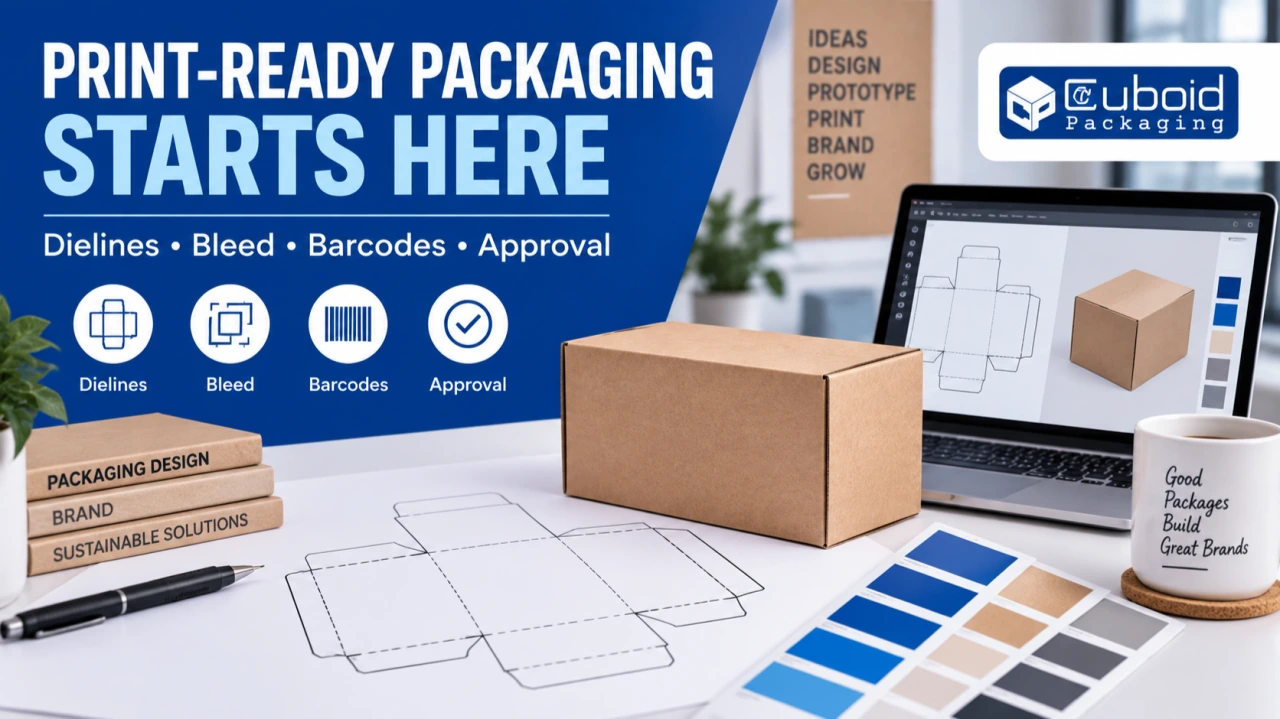
A box can be structurally correct and still reach the customer with the wrong artwork. A missing letter, an unreadable barcode or a panel printed upside down can turn an otherwise useful packaging order into a difficult rework decision. These problems often begin long before the printing press starts.
For Chennai brands, online sellers and small manufacturers working with a packaging supplier, artwork approval deserves its own process. This guide explains the decisions between a design file and an approved printed box: dielines, text, images, colour, barcode placement, mock-ups and version control.
Quick answer: Design on the printer's approved dieline, keep essential content away from cuts and folds, use the agreed bleed and colour settings, verify product data and barcodes, and approve a clearly identified final proof. A attractive screen preview is only one part of print readiness.
1. Start with the correct dieline
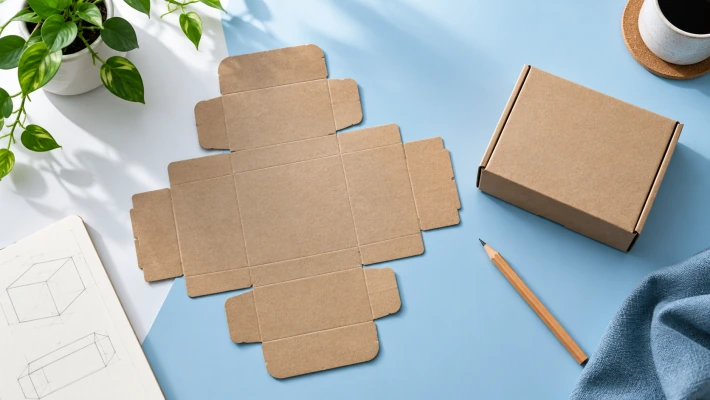
A dieline is the flat structural guide that shows how the packaging will be cut, creased, folded and joined. It provides the map on which the artwork is placed. Using an old or similar-looking template can shift the design onto the wrong panel or interfere with assembly.
Ask the packaging supplier to confirm the dieline version, dimensions, print side and panel orientation. Identify which lines represent cuts, creases or other features. The designer should understand how the flat sheet becomes the finished box.
Do not stretch the entire dieline to fit artwork. A structural change can affect product fit, folding and production. If dimensions need to change, have the structure reviewed and obtain the revised template before continuing the design.
2. Separate trim, bleed and safe areas
The trim or cut boundary is where material is intended to finish. Bleed extends suitable background artwork beyond that boundary to accommodate normal production variation. The safe area keeps important text and graphics away from edges and other vulnerable features.
Adobe's print guidance explains that artwork intended to reach an edge must extend into the bleed area. The exact allowance should come from the printer and packaging process. A general value found online should not override the supplier's job-specific requirement.
Check both outer edges and internal cuts or windows. A design can have adequate bleed around the overall page while still creating a problem around a shaped cut-out. Keep essential words, icons and contact details clear of glue areas and folds unless the design has been deliberately checked there.
3. Build a reliable copy master
Create one approved source for product names, variant names, quantities, addresses, contact details and any required declarations. The designer should not assemble final packaging copy from old screenshots and several chat messages.
Assign someone on the brand side to approve factual and regulatory content. The printer can identify production issues, but it should not be expected to determine every declaration applicable to your product category and market.
Read the words outside the layout as well as inside it. A beautiful design can make a reviewer overlook a typo because the eye follows the photograph instead. Check numbers, units, spelling and punctuation deliberately, especially where several variants differ by only one line.
4. Make small text readable at actual size
A design displayed large on a laptop can conceal readability problems. Review a print or reliable actual-size representation. Examine fine text, reversed lettering, low-contrast colours and content placed over textured photographs.
Discuss minimum text and line requirements with the supplier for the chosen process and material. A detail that works on a smooth coated sheet may behave differently on another surface. Do not assume a successful business-card file can be copied unchanged onto a corrugated box.
Prioritise the customer's reading journey. Product identity, essential instructions and important information should be easy to find. Decorative elements should not force the customer to rotate the box repeatedly to understand what it contains.
5. Confirm how colour will be reproduced
Screens emit light; printed materials reflect it. A bright screen preview is therefore not a dependable promise of the final printed colour. The material, printing process, ink system and finishing all influence appearance.
Ask the printer which colour space, profiles and spot-colour treatment are required. If a brand colour is critical, discuss an agreed physical reference and an appropriate proofing method. Do not resolve a colour disagreement by comparing two uncalibrated phones.
Keep expectations specific. “Make it premium green” leaves room for interpretation. A documented colour target, known substrate and approved proof give both parties a clearer basis for review.
6. Check images, logos and fine details
Use suitable source assets rather than images copied from messaging previews. A file can look acceptable at a small size but become visibly soft when enlarged. Ask the supplier about resolution requirements at the intended print size.
Where appropriate, retain vector artwork for logos and line graphics. Check that fonts, linked images and other required elements are included or embedded according to the agreed workflow. Confirm the rights to use photographs, illustrations and marks before production.
Inspect transparency effects, gradients and thin lines in the final exported file. Export settings can change how a design is interpreted. The proof should be made from the actual file intended for production, not an earlier image exported for a presentation.
7. Give barcodes their own approval check
A barcode is a functional element. It must encode the correct identifier and be produced in a way compatible with its intended scanning environment. Making it visually small enough to fit a spare corner is not an adequate design decision.
GS1 guidance explains the importance of clear margins, often called quiet zones, around barcode symbols. Its retail guidance also warns against interference from folds and other packaging graphics. Requirements differ by symbol and application, so use the relevant specification.
Confirm the encoded data, size, placement, contrast and print quality. A phone successfully reading one sample is useful feedback, but it is not equivalent to formal barcode verification. Agree the testing needed for the product and distribution channel.
8. Fold a mock-up before approving panel order
A flat artwork sheet can be surprisingly difficult to read as a three-dimensional object. Fold an appropriate mock-up and follow the customer's view: front, side, back, top and opening sequence.
Check whether text is upright, whether the logo remains visible after closing and whether a flap hides important information. Examine where tape, labels or sealing operations may cover the artwork during packing. A panel that looks ideal before assembly may not be the panel the customer sees.
Use the correct structure for the mock-up. A rough print is valuable for layout and orientation, but it should not be treated as proof of final material strength, production colour or finish.

Illustrative case study: the QR code beside a fold
Imagine a fictional Chennai home-accessories brand preparing a printed carton. The designer places a QR code close to a fold to preserve space for a large photograph. On the flat proof, the code looks clean and can be scanned.
When the team folds a mock-up, it notices that part of the code sits on a curved transition and that the surrounding graphic crowds the clear area. The team moves the code to a more suitable panel, confirms the intended destination and checks the revised sample before approval.
This is a hypothetical example, not a reported Cuboid client result. Its lesson is straightforward: functional checks need to happen on the form in which the customer will actually use the packaging.
9. Separate artwork approval from structural approval
A colour proof can help evaluate print appearance without proving product fit. A plain structural sample can help evaluate fit and assembly without proving final artwork. Label the purpose of each sample so the approval does not imply more than was checked.
For a new packaging job, record which version was approved for dimensions, which file was approved for copy and which sample was approved for colour or finish. If a later change affects another approval, revisit that part of the process.
This is particularly useful when several people are involved. Marketing may approve the design, operations the packing process and another reviewer the product information. One person's “looks good” should not silently replace the others' checks.
10. Use one final production file
Version confusion is preventable. Use a naming convention that identifies the brand, product or variant, dieline version and artwork revision. Keep a simple approval record with the date and person responsible.
When a change is requested after approval, issue a new revision and make clear that the previous file is superseded. Avoid sending a corrected logo separately with a message asking the printer to remember to swap it into an otherwise final file.
Keep a copy of the approved production file and proof with the order records. When a repeat order is placed, confirm whether the artwork is unchanged. Addresses, product claims and customer-service details can become outdated even when the box dimensions remain the same.
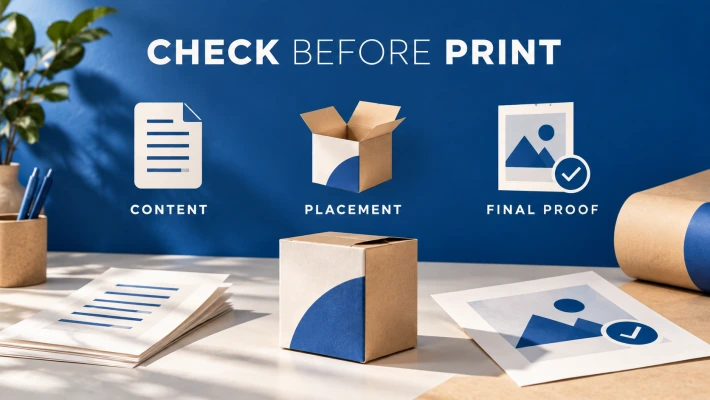
A practical pre-print approval checklist
Frequently asked questions
Can I send a JPEG as the final packaging artwork?
Ask the supplier for its required format. A flattened preview may be useful for discussion but may not provide the editable or print-ready information needed for production.
Is there one bleed size for every box?
No. Use the requirement for the specific structure and production process rather than assuming a universal value.
Does a barcode scan on my phone prove print compliance?
No. It is a basic check, not a substitute for the relevant verification and application requirements.
Who should approve the words on the pack?
The brand should assign a responsible reviewer, including qualified regulatory input where needed. Do not assume the printer owns every factual declaration.
Make the proof do real work
A good proofing process catches mistakes while they are still easy to correct. For a new packaging enquiry with Cuboid Packaging, Chennai, bring the approved product details, current logo assets and the intended use of the box. Agree the dieline and artwork workflow before final design begins.